 RR Sheets Pro
Edit Excel spreadsheets on iPhone and iPad
Open any .xlsx or CSV file, change numbers and formulas, add a chart, and send it back as Excel. Offline, private, and with no account.
₹499 iPhone and iPad, one-time purchase
- Works offline
- No sign-in
- 220+ formulas
- ₹ lakh/crore formats
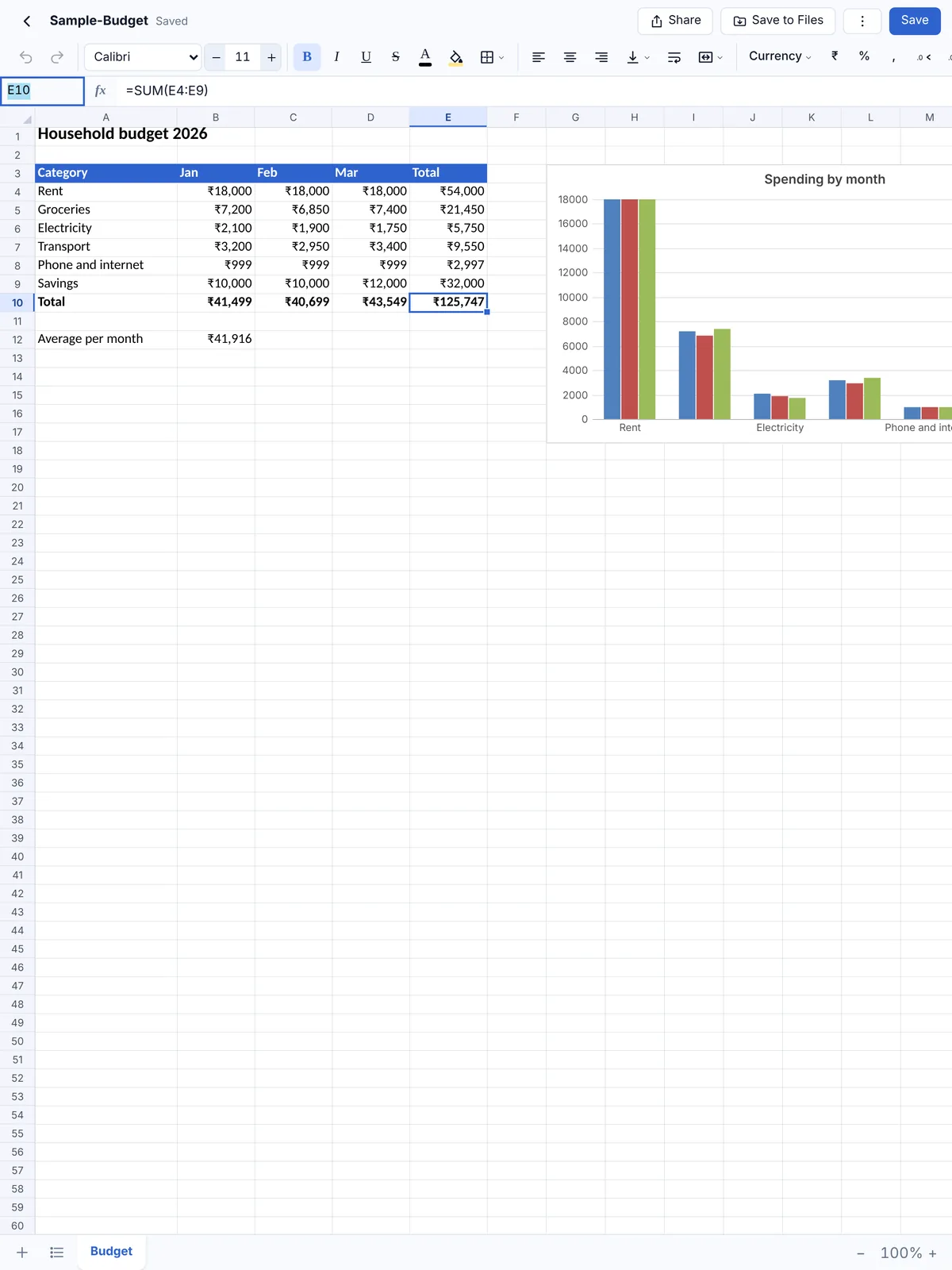
A spreadsheet app that just works
The formulas, formats and charts you use every day, in a small app that keeps your Excel files intact.
Real Excel files, not copies
Open .xlsx, .xlsm and .csv files from Files, Mail or WhatsApp and save back as .xlsx that opens in Microsoft Excel and Google Sheets.
Over 220 formulas
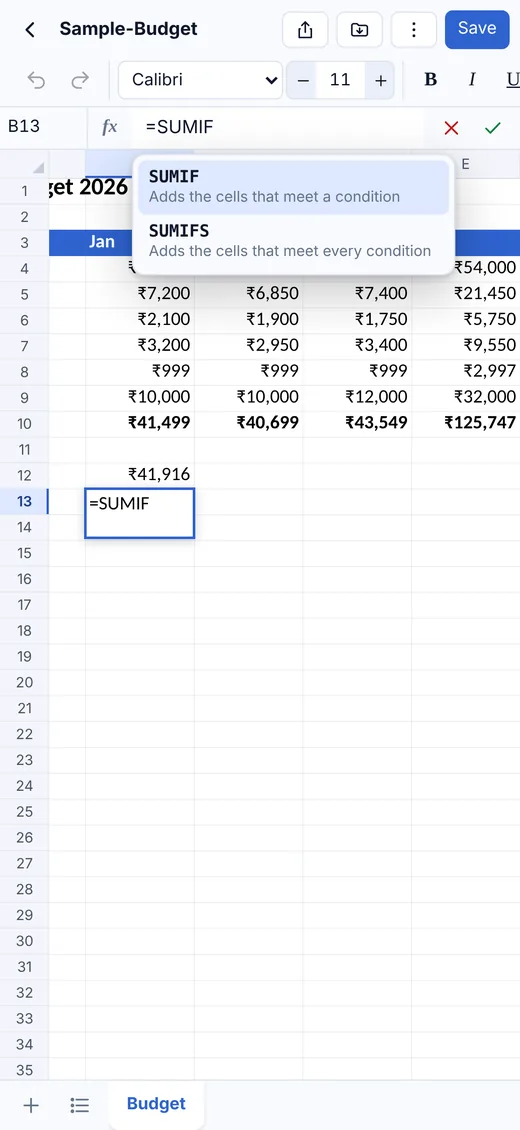
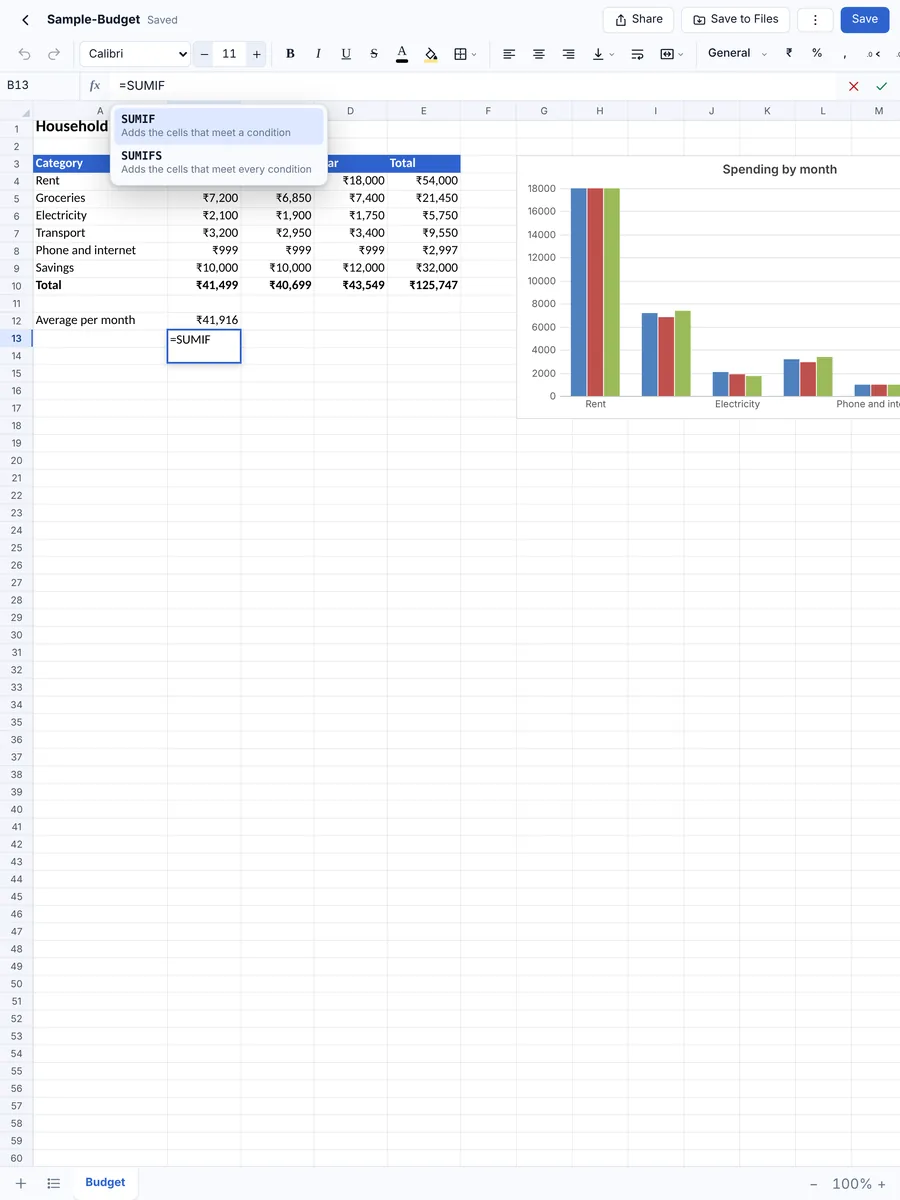
SUM, SUMIFS, COUNTIFS, IF, VLOOKUP, XLOOKUP, INDEX/MATCH, TEXT, DATE, PMT, NPV, IRR, UNIQUE, SORT, FILTER and more, with suggestions while you type.
Indian number formats
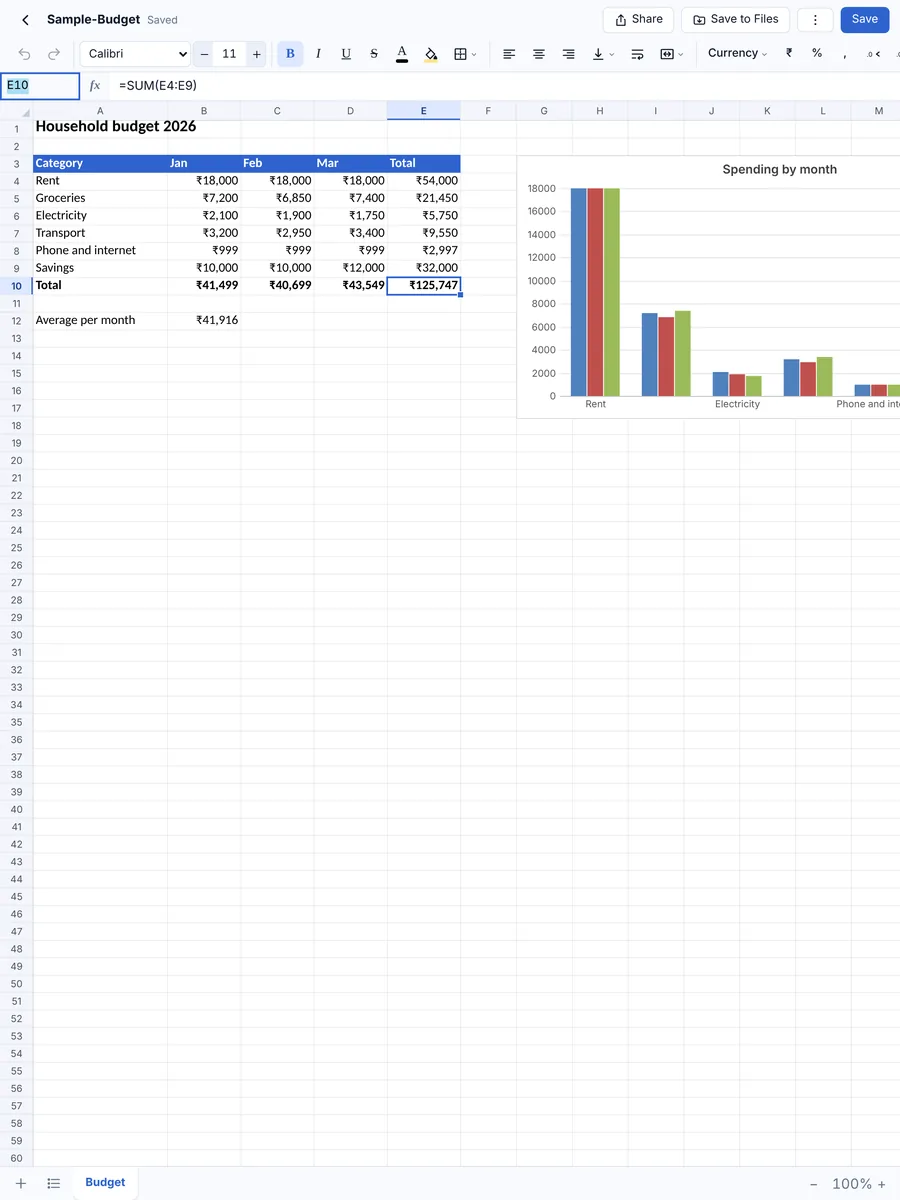
Currency in ₹, $, € or £, percentages and dates, and Indian lakh/crore grouping such as ₹1,25,000 in one tap.
Charts that update
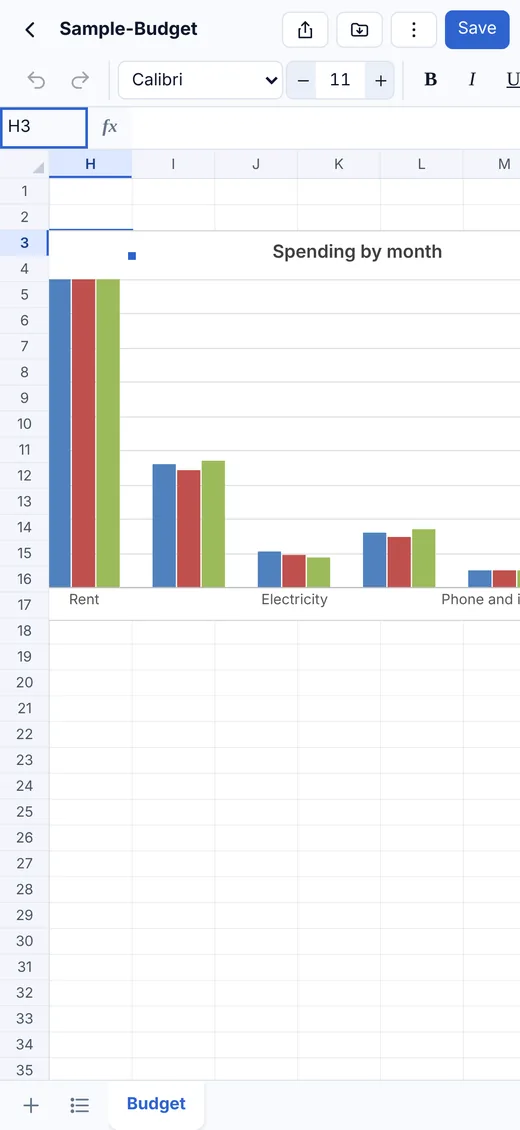
Column, bar, line, area, pie, doughnut and scatter charts that change as soon as your numbers do.
Filter, sort and highlight
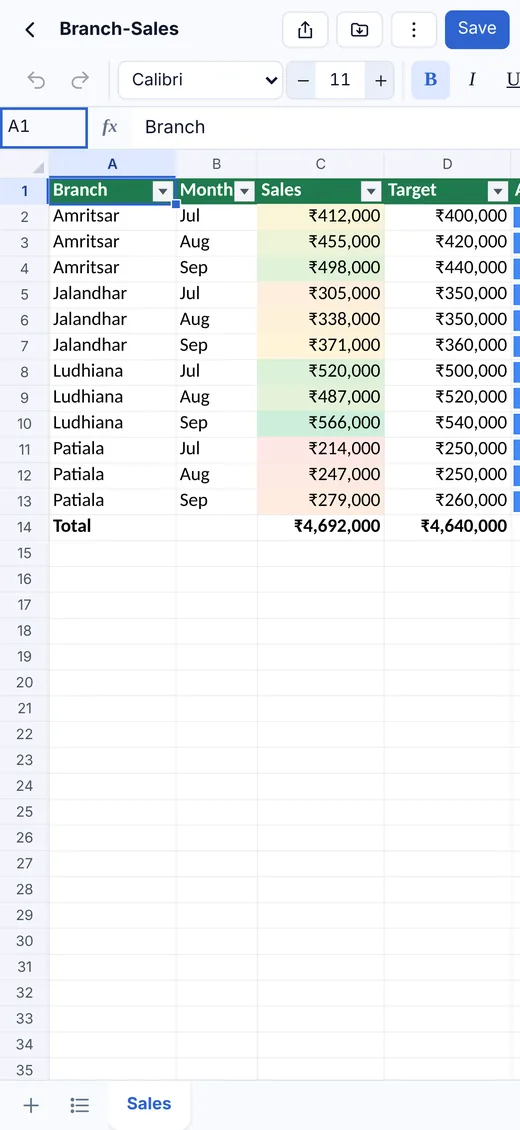
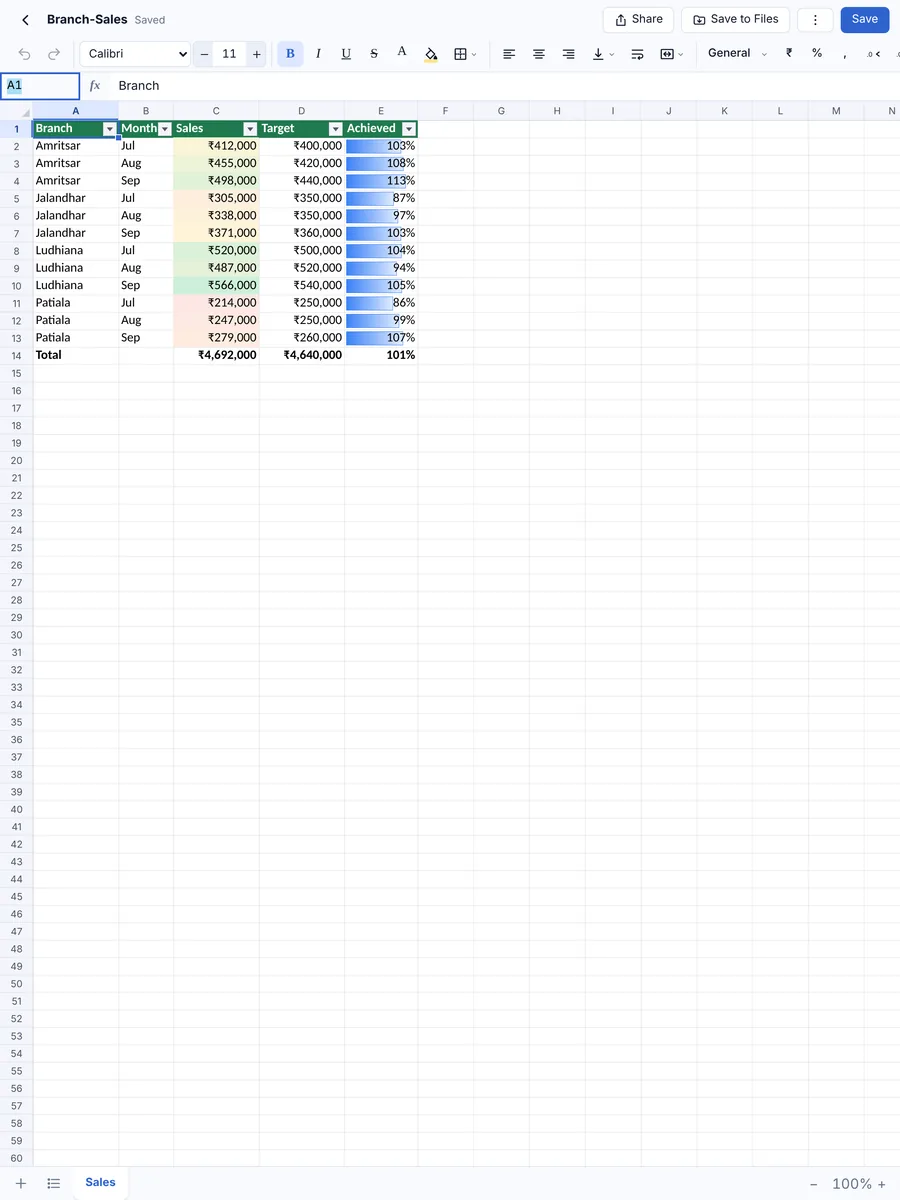
Filter and sort any column, and use colour scales, data bars, icon sets and highlight rules.
Keeps your files intact
Sheets you didn’t change are saved exactly as they were, and pictures, comments, drop-down lists and page setup are kept.
Private and offline
No account and no sign-in. Spreadsheets are kept on your device and nothing is uploaded.
Tiny and fast
Under 3 MB to download, and it opens in a moment.
Screenshots
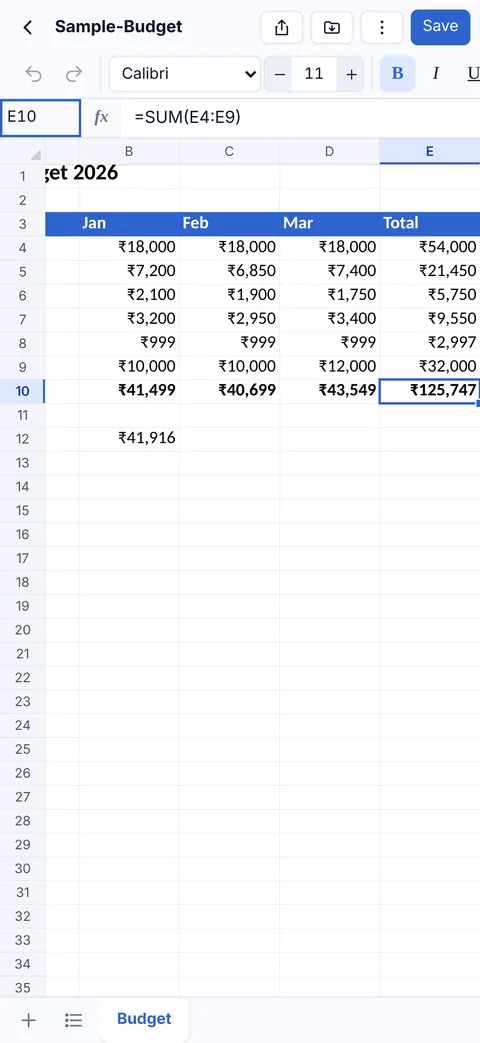
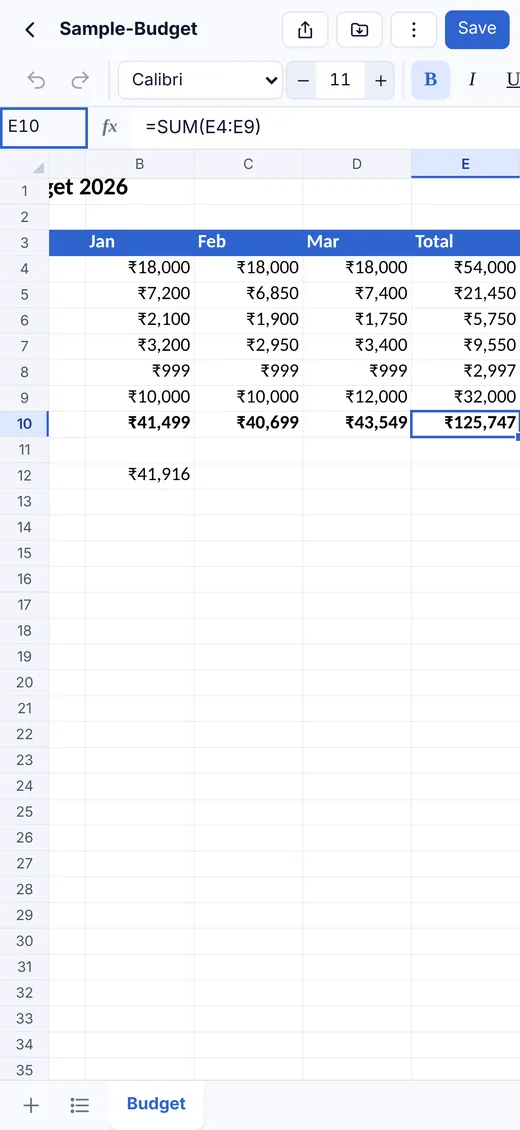
The same app and the same files on your iPhone and iPad.

How RR Sheets Pro compares
Microsoft Excel, Apple Numbers and Google Sheets are all good apps. Here is where RR Sheets Pro is different.
| Feature | RR Sheets Pro | Microsoft Excel | Apple Numbers | Google Sheets |
|---|---|---|---|---|
| Opens and saves Excel (.xlsx) files directly | Edits the .xlsx itself | Yes | Converts to Numbers; exports a Excel copy | Converts, or edits in Office mode |
| Works without an account or sign-in | No account at all | Microsoft account needed to edit | Yes | Google account needed |
| Works fully offline | Always | After signing in | Yes | Only with offline mode set up |
| Files stay on your device | Nothing is uploaded | Usually saved to OneDrive | Usually saved to iCloud Drive | Stored in Google Drive |
| Full editing on large iPads without a subscription | One-time purchase | Microsoft 365 needed on iPads over 10.1″ | Free | Free |
| Download size on iPhone | Under 3 MB | 462 MB | 661 MB | 388 MB |
| Price | ₹499, once | Free on small phones; Microsoft 365 for full use | Free | Free |
Based on publicly available information as of October 2026 (download sizes from the App Store listings); features and prices of other apps can change. Microsoft Excel, Apple Numbers and Google Sheets are trademarks of their respective owners. RR Sheets Pro is not affiliated with Microsoft, Apple or Google.
Pricing
RR Sheets Pro for iPhone and iPad
₹499
One purchase on the App Store
- Pay once, no subscription
- iPhone and iPad
- Every feature included
- No account, no ads, no tracking
- Spreadsheets stay on your device
Questions and answers
Can RR Sheets Pro open and edit Excel files?
Yes. It opens .xlsx, .xlsm and .csv files from Files, Mail, WhatsApp and iCloud Drive, and saves them back as .xlsx files that open in Microsoft Excel and Google Sheets. Old .xls files need to be saved as .xlsx first.
Do my formulas still work in Excel?
Yes. Formulas are saved as formulas, not just their results, so the file keeps working when someone opens it in Excel.
Does it support Indian number formats?
Yes, including ₹ currency and lakh/crore grouping such as ₹1,25,000.
Can I make charts?
Yes. Select your numbers and add a column, bar, line, area, pie, doughnut or scatter chart. It updates when the numbers change.
Do I need an internet connection or an account?
No. RR Sheets Pro works completely offline and has no sign-in. You only need a connection if you choose to share a file, for example by email.
Where are my spreadsheets stored?
On your own iPhone or iPad, inside the app. Nothing is uploaded. They are included in your normal iCloud or computer backup, and you can save a copy to Files or share it whenever you like.
Which devices does it run on?
iPhone and iPad with iOS 15 or iPadOS 15 or later. One purchase covers both.
Is there a Mac version?
Yes. On the Mac, RR Sheets Pro is part of RR Office, one app with the document, spreadsheet and presentation editors together, sold on the Mac App Store.
Your Excel spreadsheets, on your iPhone and iPad
RR Sheets Pro for iPhone and iPad.