 RR Doc Pro
Edit Word documents on iPhone and iPad
A fast, lightweight .docx editor. Open any Word file, edit it, and print or share it back as Word. Offline, private, and with no account.
₹499 iPhone and iPad, one-time purchase
- Works offline
- No sign-in
- .docx in, .docx out
- About 1 MB
A Word editor that stays out of your way
Everything you need to write, fix and send Word documents on iPhone and iPad, and nothing that slows you down.
Real Word files, not copies
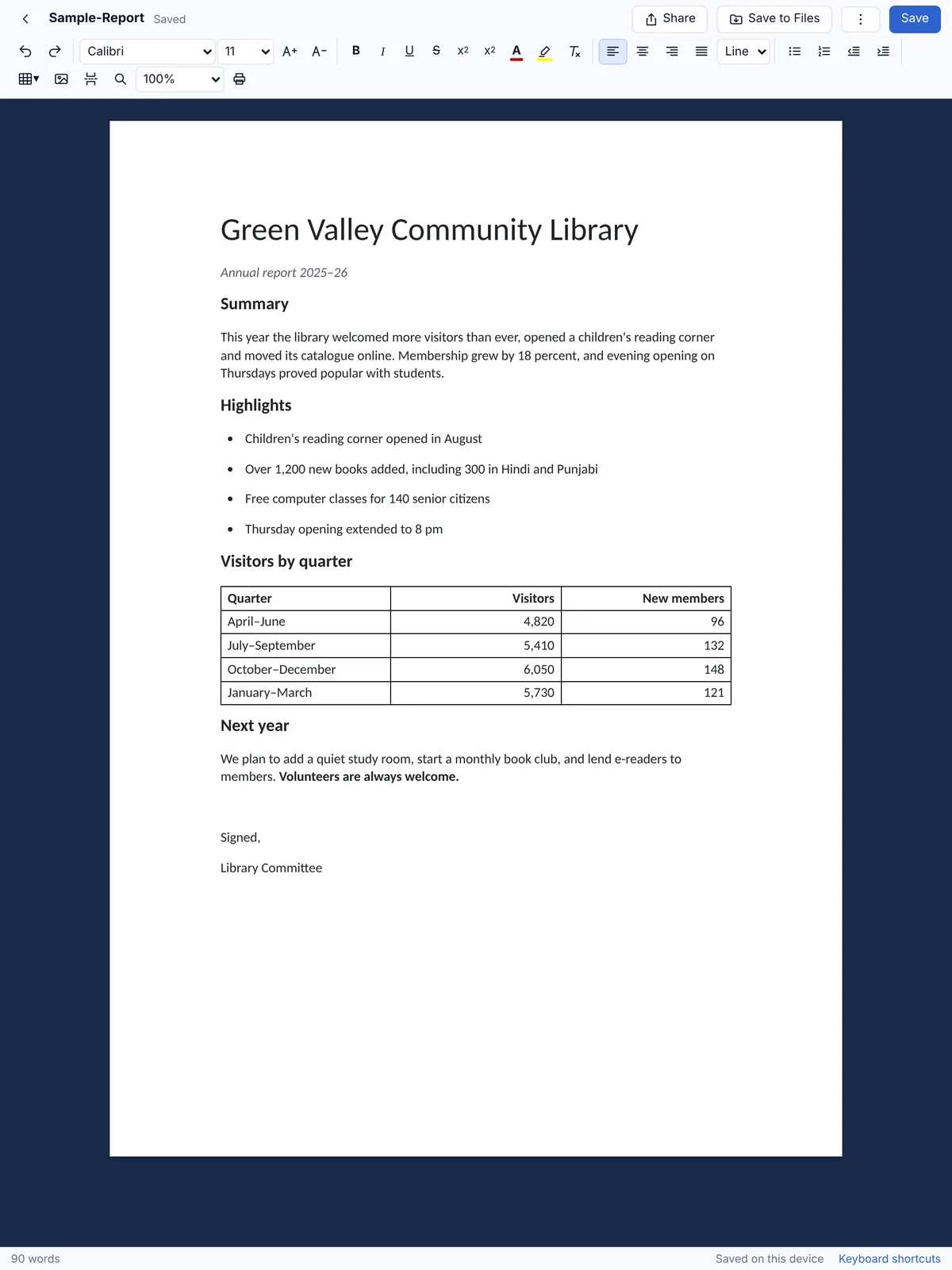
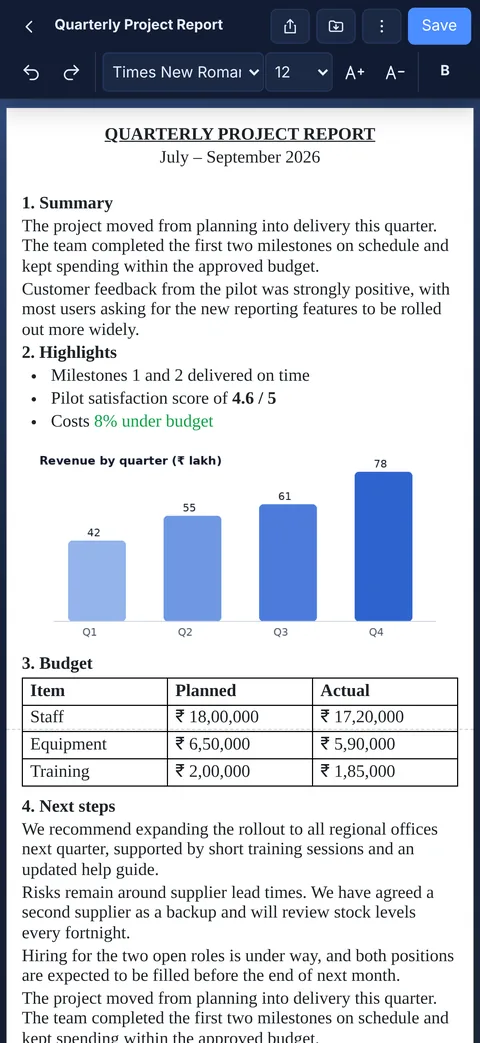
Open any .docx from Files, Mail, WhatsApp, iCloud Drive or Google Drive, edit it, and save it back as a Word document that opens in Microsoft Word.
Everything you use every day
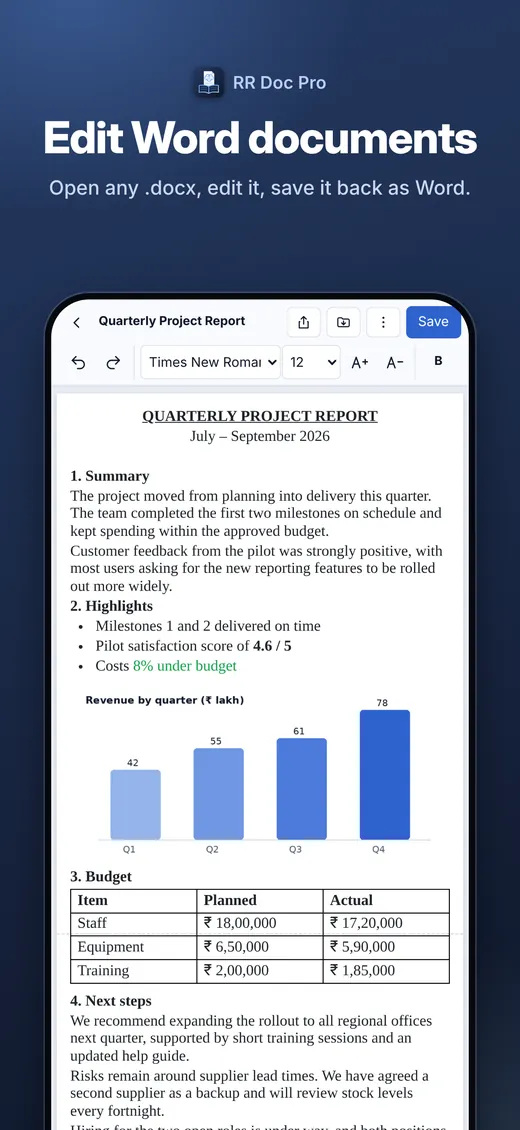
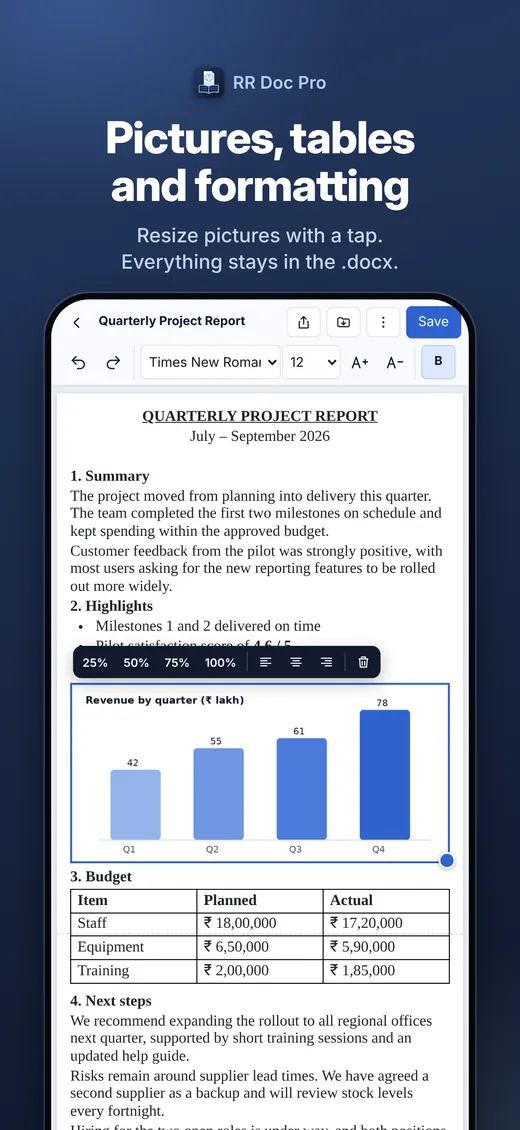
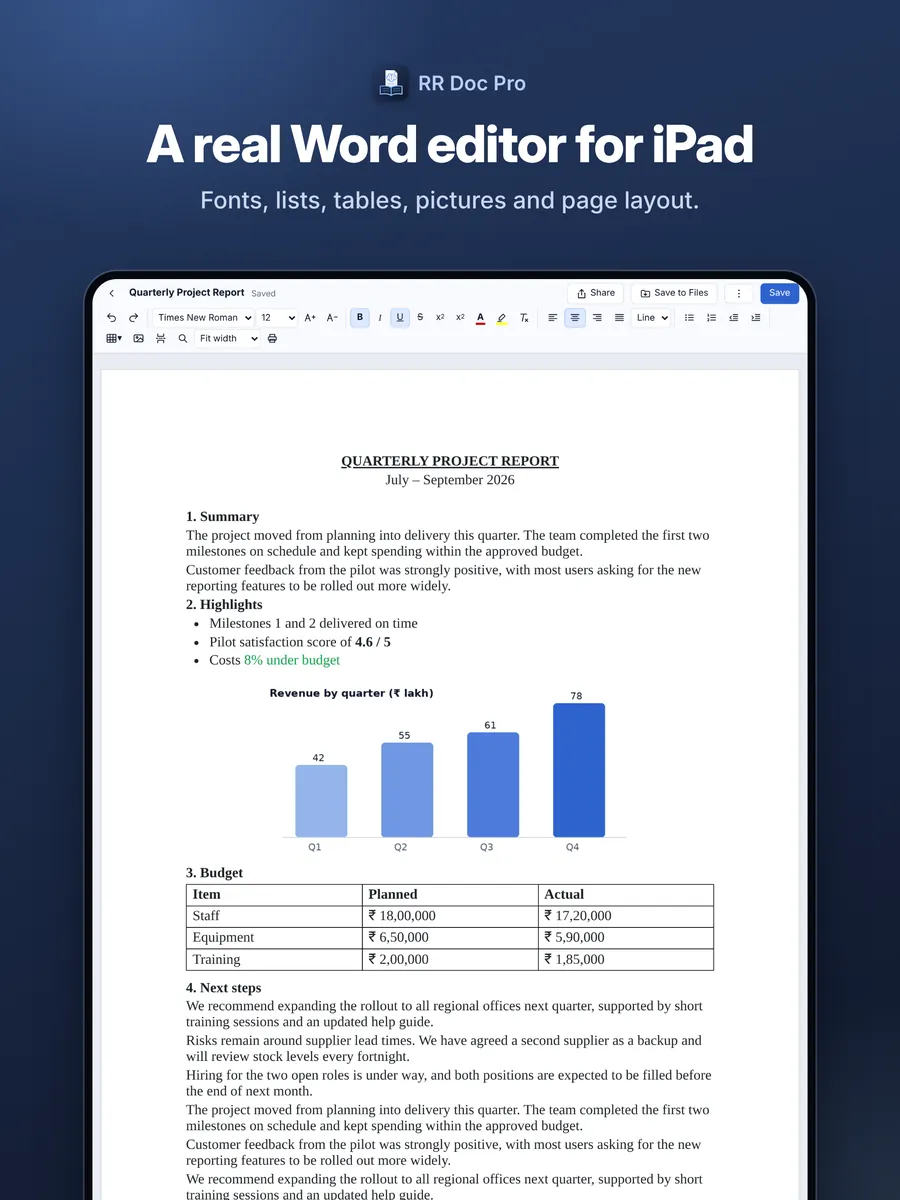
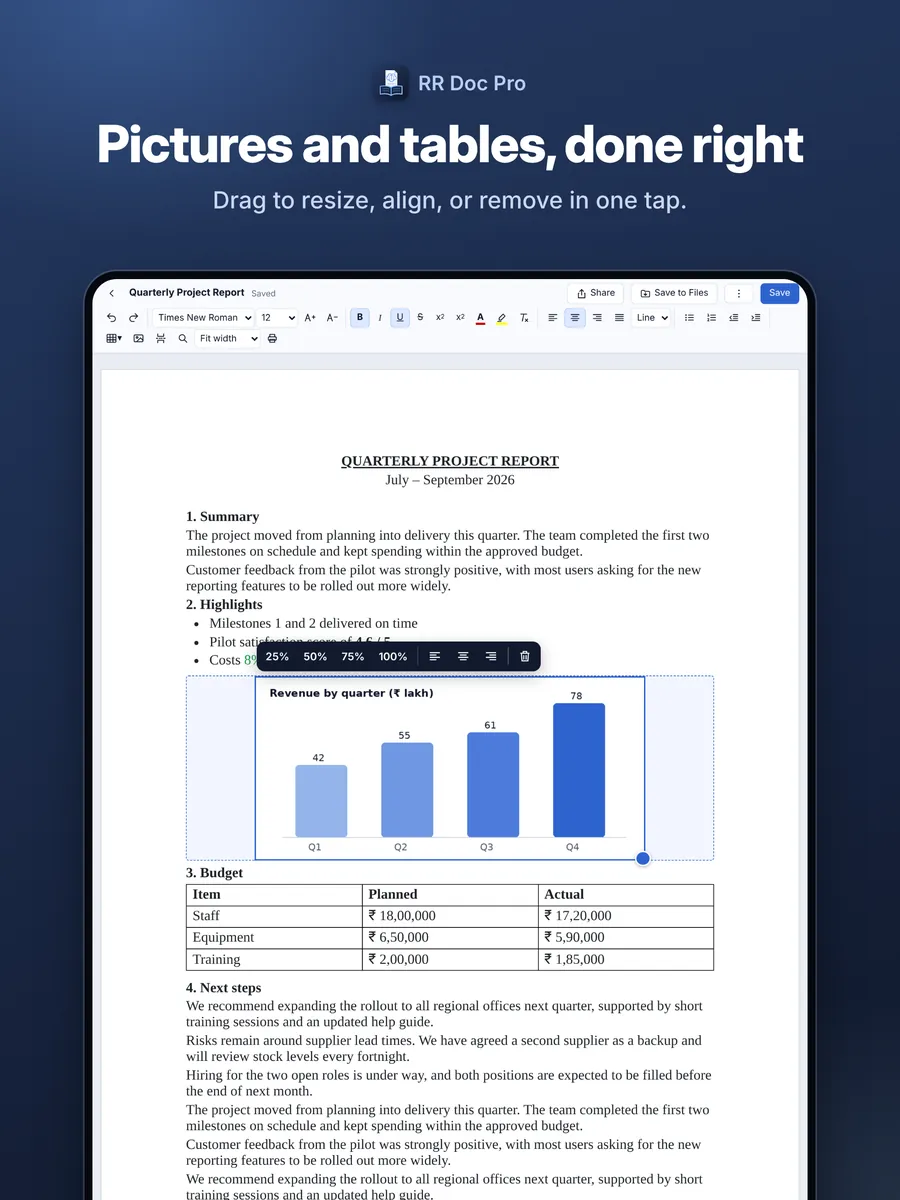
Fonts and sizes, bold, italic and underline, colours and highlight, alignment, line spacing, bullets and numbering, tables, pictures, page breaks, find and replace, and undo.
Paste your signature
Copy a picture of your signature and paste it straight into a letter, or insert it from your photos, then resize and align it.
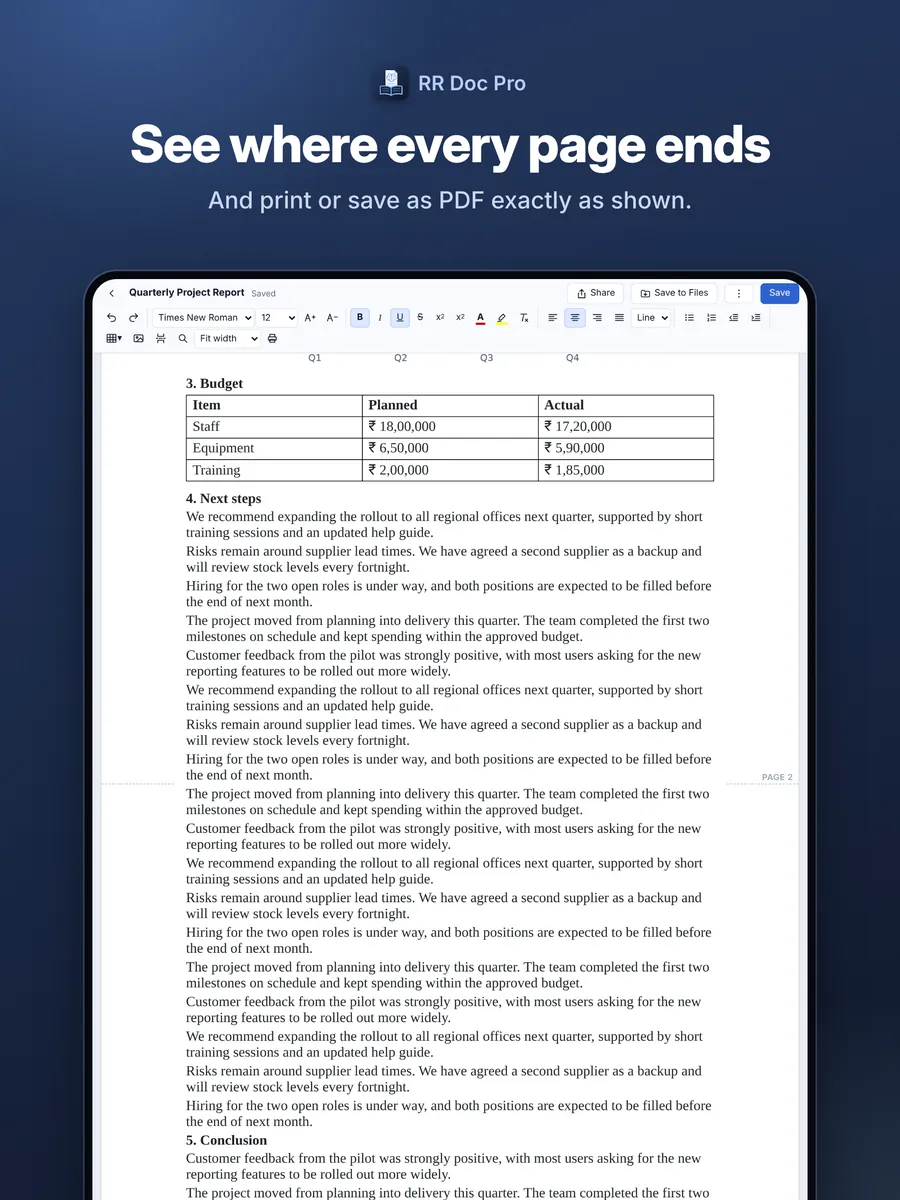
See where every page ends
Page-split marks in the margin show exactly where each page will break, and printing or saving as PDF matches what you see.
Private and offline
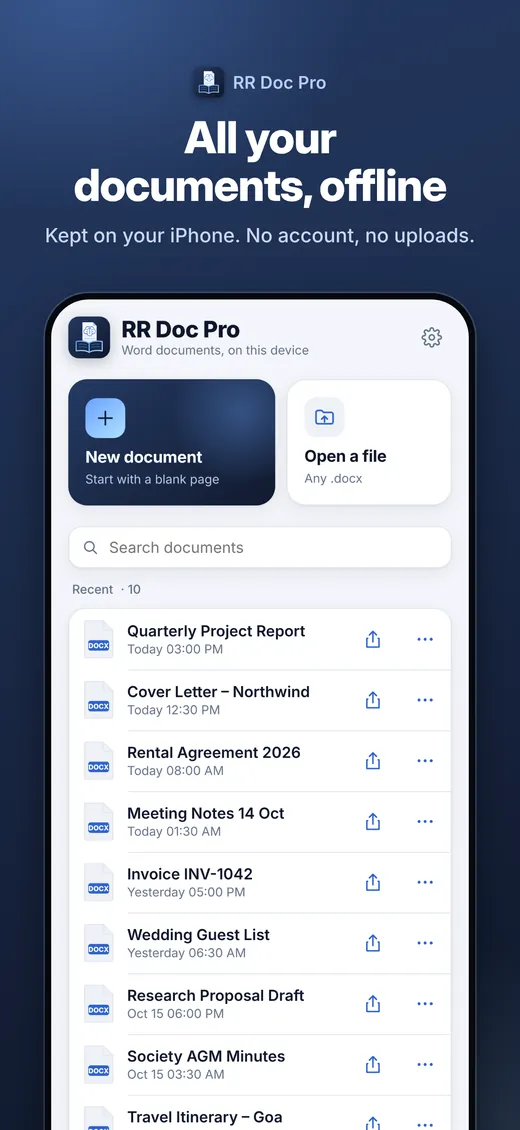
No account and no sign-in. Documents are kept on your device and nothing is uploaded. It works on a plane, in a basement, anywhere.
Save when you decide
Closing a document always asks Save or Don’t Save. Turn on autosave if you prefer, and a recovery copy protects unsaved work.
Light and dark
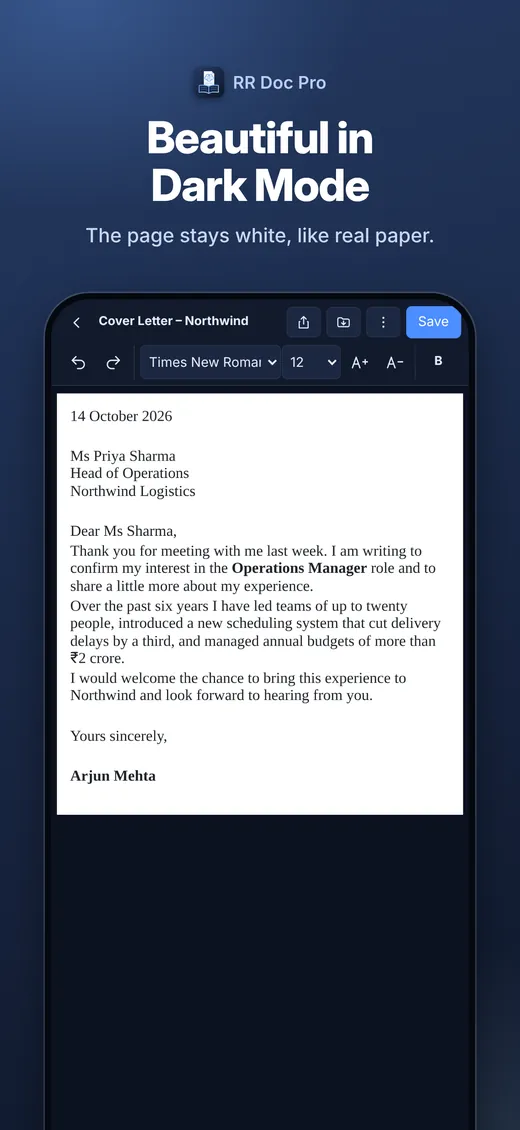
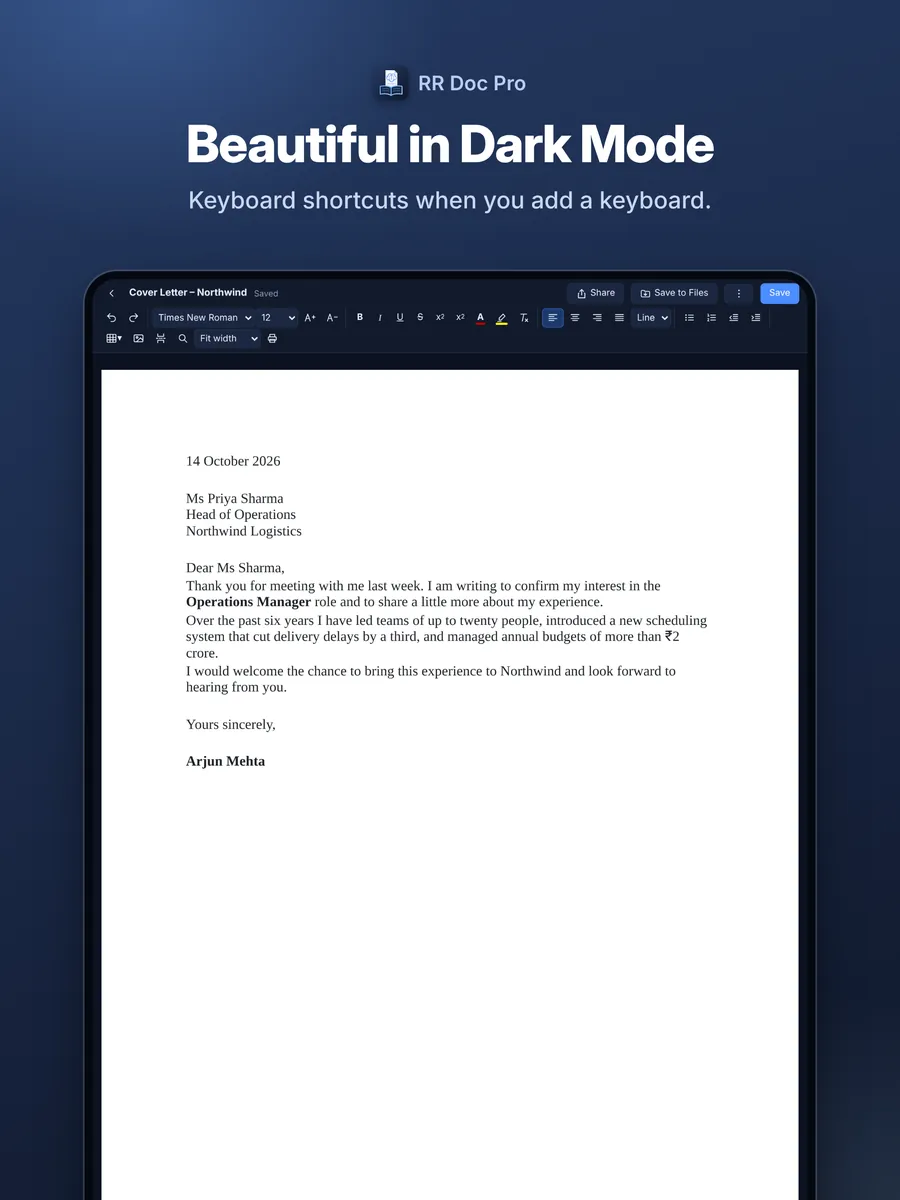
Follows your device, or pick Light or Dark yourself. In dark mode the page stays white, like paper.
Tiny and fast
About 1 MB to download. It opens in a moment and keeps up with your typing, even in long documents.
Screenshots
The same app and the same files on your iPhone and iPad.
How RR Doc Pro compares
Microsoft Word, Apple Pages and Google Docs are all good apps. Here is where RR Doc Pro is different.
| Feature | RR Doc Pro | Microsoft Word | Apple Pages | Google Docs |
|---|---|---|---|---|
| Opens and saves Word (.docx) files directly | Edits the .docx itself | Yes | Converts to Pages; exports a Word copy | Converts, or edits in Office mode |
| Works without an account or sign-in | No account at all | Microsoft account needed to edit | Yes | Google account needed |
| Works fully offline | Always | After signing in | Yes | Only with offline mode set up |
| Files stay on your device | Nothing is uploaded | Usually saved to OneDrive | Usually saved to iCloud Drive | Stored in Google Drive |
| Full editing on large iPads without a subscription | One-time purchase | Microsoft 365 needed on iPads over 10.1″ | Free | Free |
| Download size on iPhone | About 1 MB | 556 MB | 687 MB | 334 MB |
| Price | ₹499, once | Free on small phones; Microsoft 365 for full use | Free | Free |
Based on publicly available information as of October 2026 (download sizes from the App Store listings); features and prices of other apps can change. Microsoft Word, Apple Pages and Google Docs are trademarks of their respective owners. RR Doc Pro is not affiliated with Microsoft, Apple or Google.
Pricing
RR Doc Pro for iPhone and iPad
₹499
One purchase on the App Store
- Pay once, no subscription
- iPhone and iPad
- Every editing feature included
- No account, no ads, no tracking
- Documents stay on your device
Questions and answers
Can RR Doc Pro open and edit Microsoft Word files?
Yes. It opens Word .docx files from Files, Mail, WhatsApp, Safari, iCloud Drive and Google Drive, and saves them back as .docx files that open normally in Microsoft Word. Old .doc files (Word 97–2003) need to be saved as .docx first.
Will my formatting be kept?
Everyday formatting is kept: fonts, sizes, bold, italic, underline, colours, highlight, alignment, line spacing, lists, tables, pictures, page breaks and margins. Very complex layouts may look simpler. Calibri and Cambria are not installed on iPhone and iPad, so a similar font is shown, but the saved file keeps the font you chose.
Can I add my signature to a document?
Yes. Copy a picture of your signature and paste it into the page, or insert it from your photos, then resize it.
Can I print or save a document as PDF?
Yes. Print or save as PDF from the editor. The pages break exactly where the page-split marks show.
Do I need an internet connection or an account?
No. RR Doc Pro works completely offline and has no sign-in. You only need a connection if you choose to share a file, for example by email.
Where are my documents stored?
On your own iPhone or iPad, inside the app. Nothing is uploaded. They are included in your normal iCloud or computer backup, and you can save a copy to Files or share it whenever you like.
Which devices does it run on?
iPhone and iPad with iOS 15 or iPadOS 15 or later. One purchase covers both.
Is there a Mac version?
Yes. On the Mac, RR Doc Pro is part of RR Office, one app with the document, spreadsheet and presentation editors together, sold on the Mac App Store.
Your Word documents, on your iPhone and iPad
RR Doc Pro for iPhone and iPad.