 RR Slides Pro
Make and present PowerPoint slides on iPhone and iPad
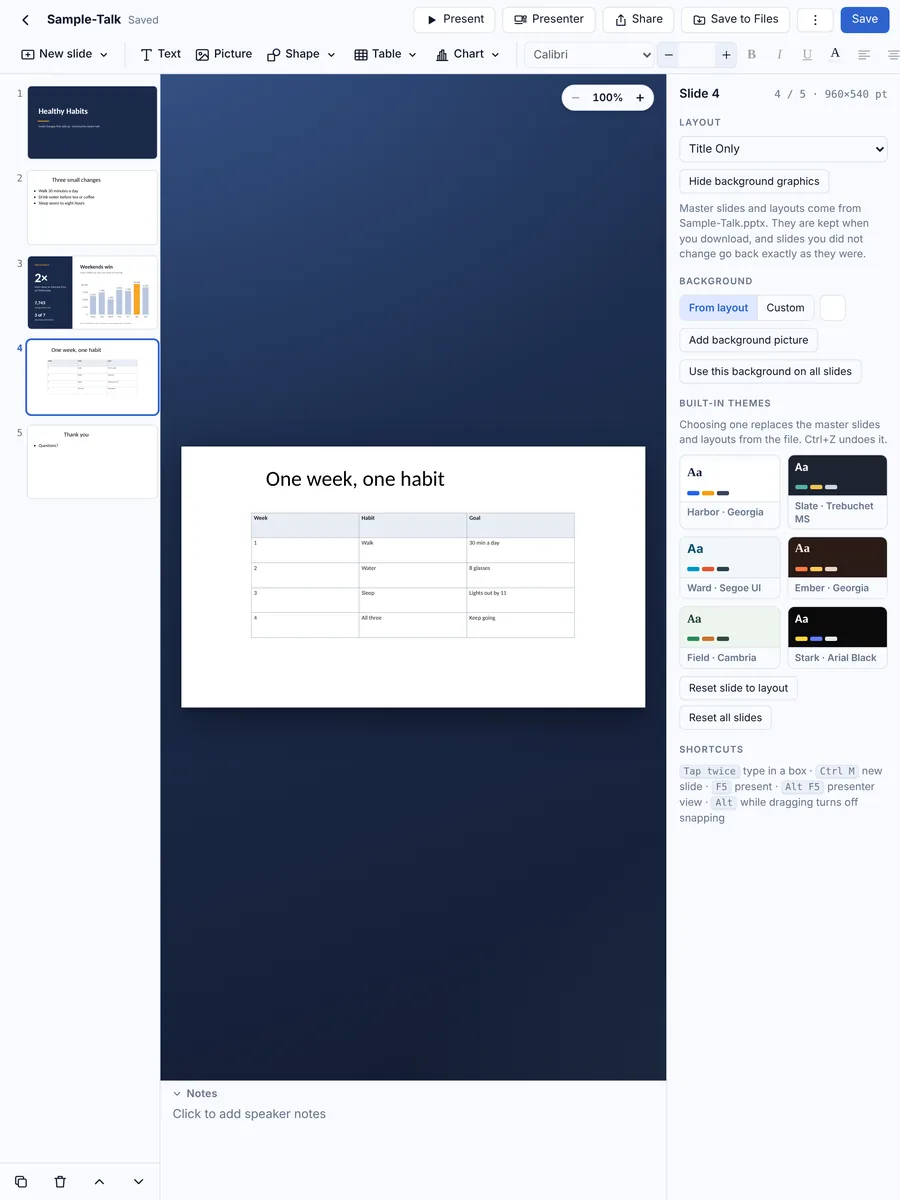
Open any .pptx, edit it, add tables and charts, and present with your notes on screen. Then send it back as PowerPoint. Offline and with no account.
₹499 iPhone and iPad, one-time purchase
- Works offline
- No sign-in
- Presenter view
- Export as PDF
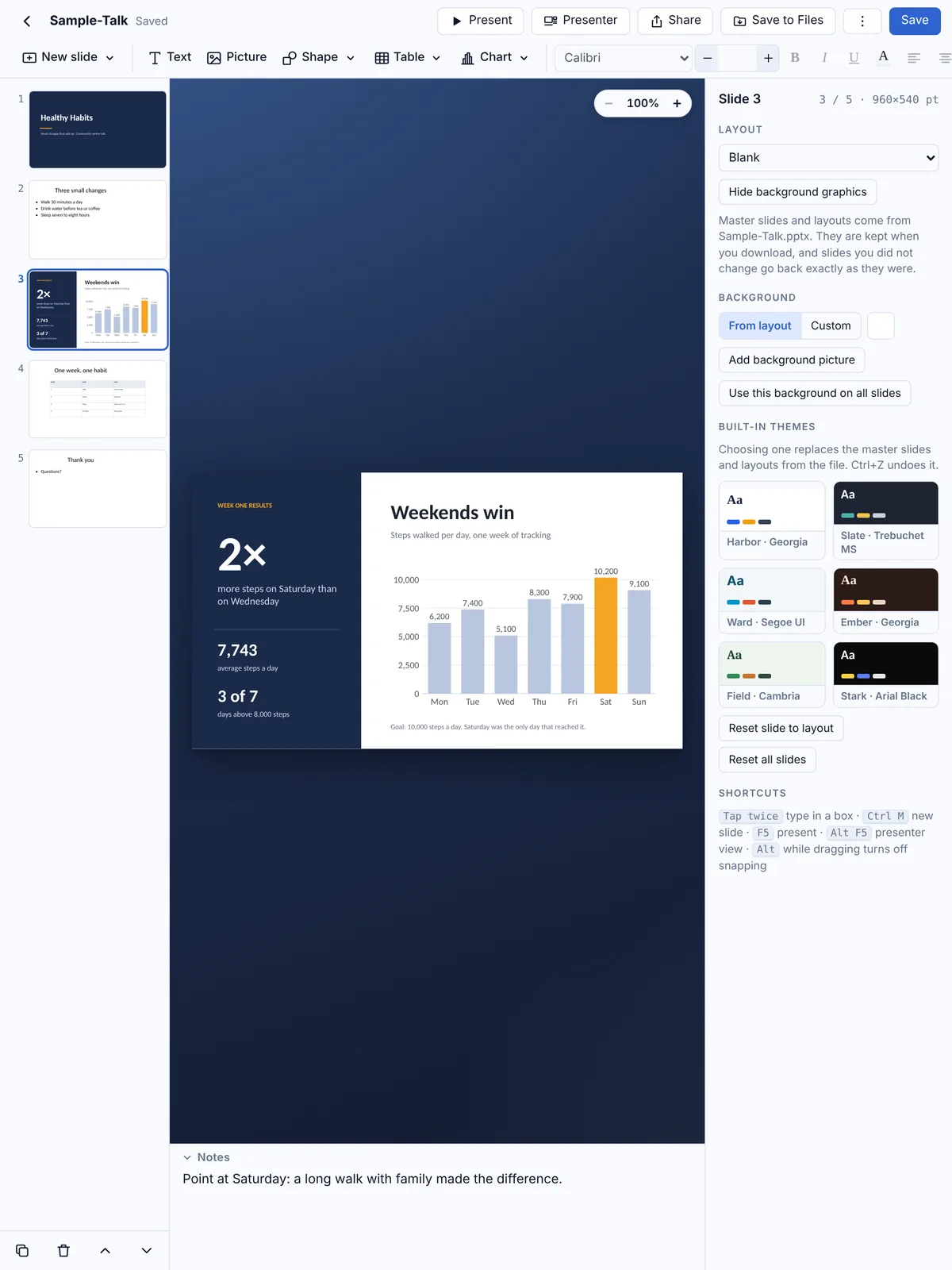
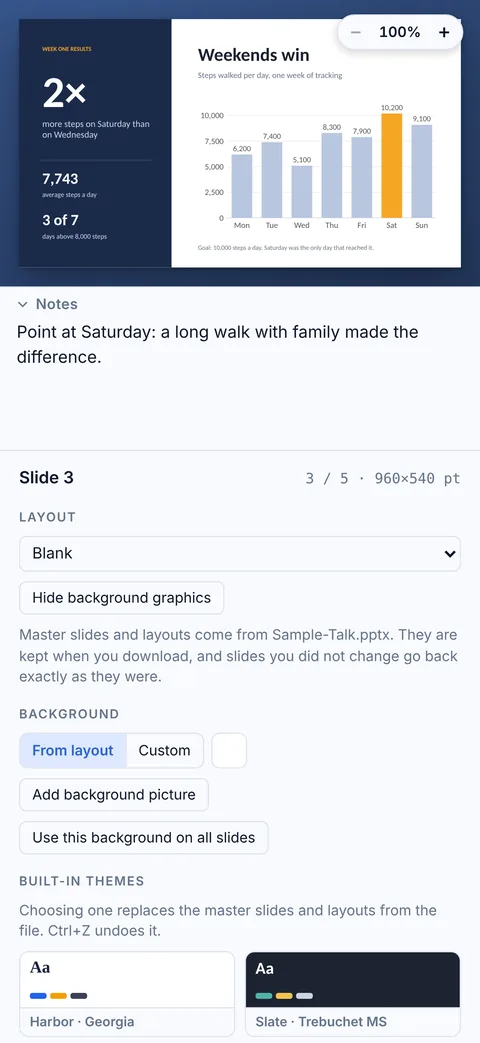
Presentations without the bulk
Build, fix and present PowerPoint decks on the device in your pocket, with nothing to sign up for.
Real PowerPoint files
Open .pptx files from Files, Mail or WhatsApp, edit them, and save back as .pptx that opens in Microsoft PowerPoint.
Tables and charts
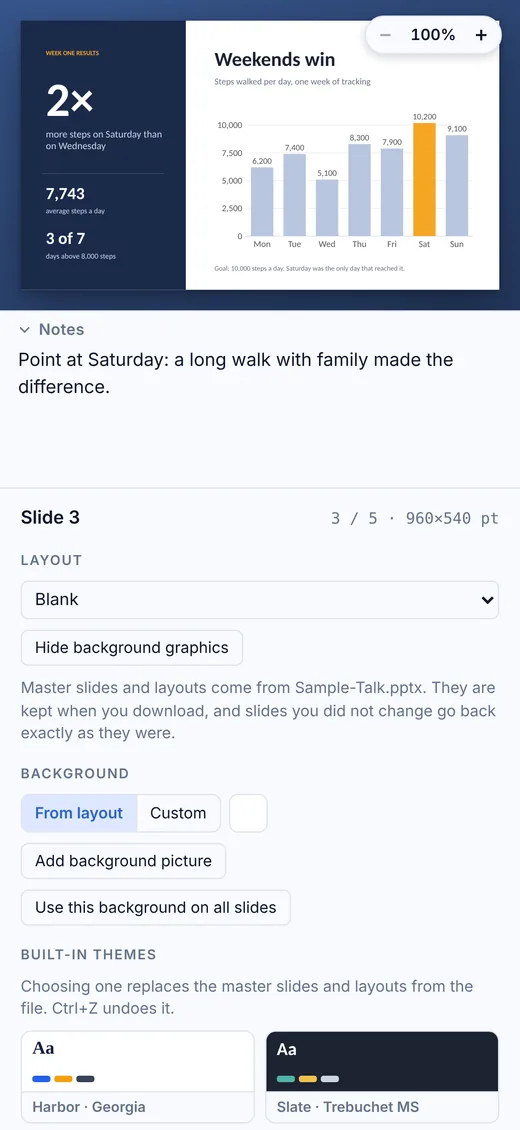
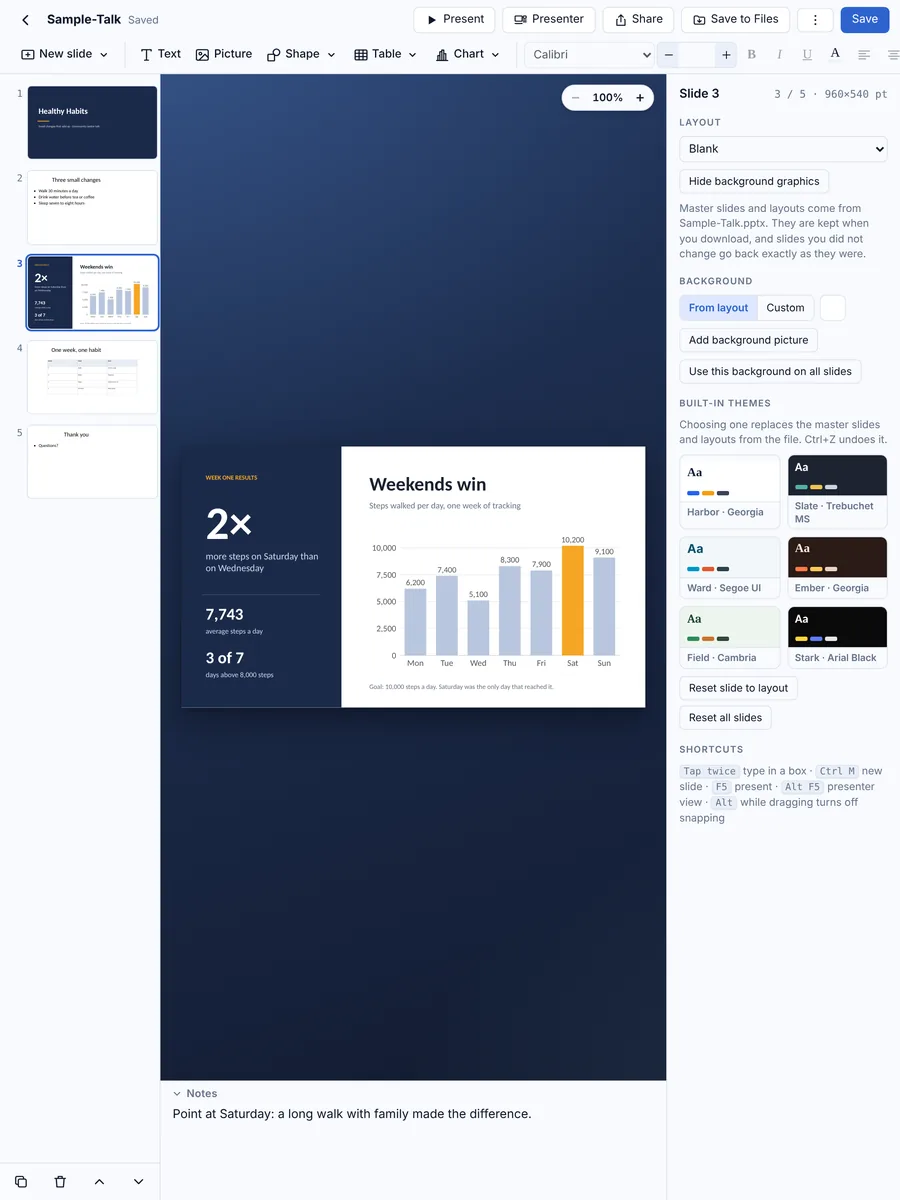
Insert tables you can type in or paste from a spreadsheet, and column, bar, line, area, pie and doughnut charts with live preview.
Histograms in seconds
Paste a plain list of numbers and get a histogram, with automatic or custom bins. Saved as a real chart that stays editable in PowerPoint.
Presenter view
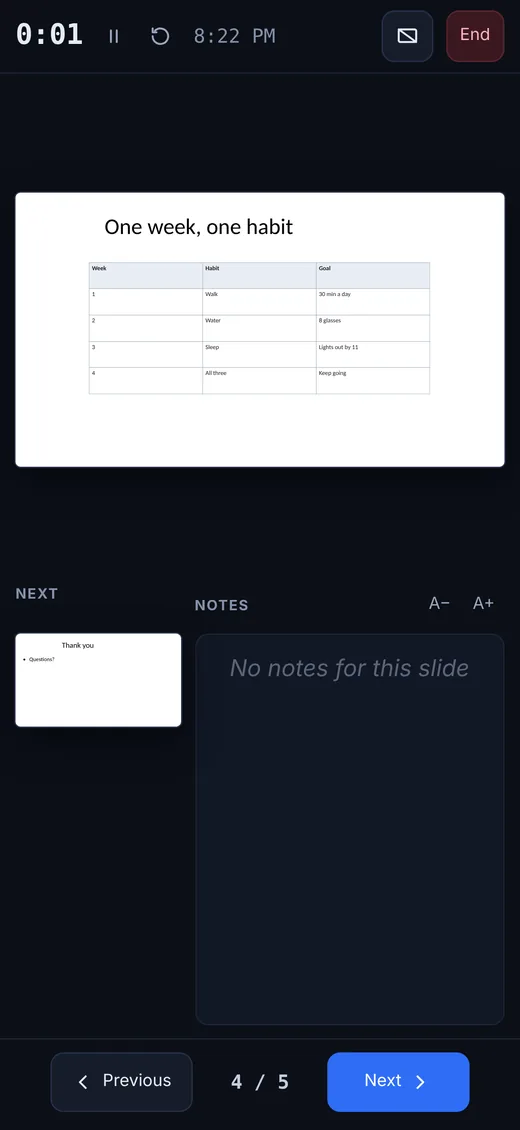
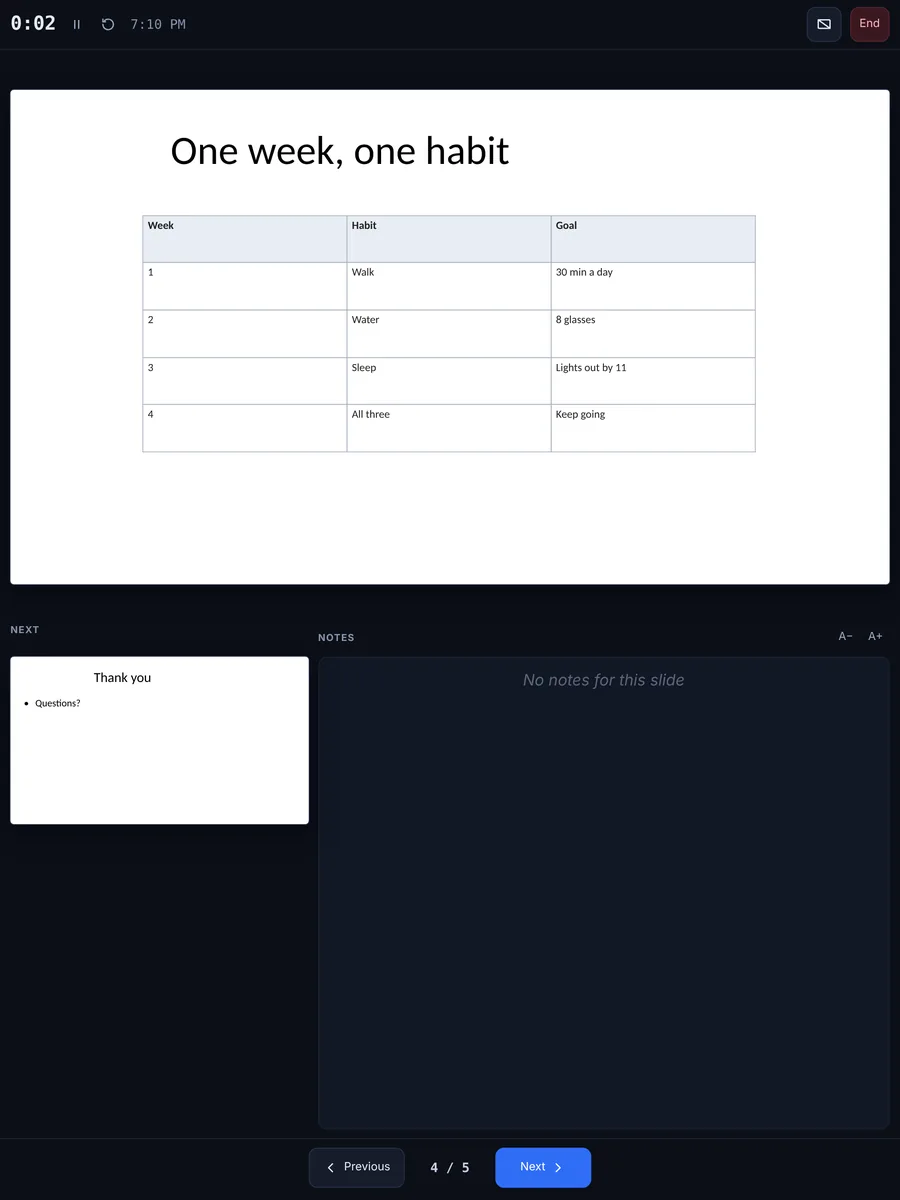
The projector or TV shows only the slides, while your iPhone or iPad shows your notes, the next slide and a timer. Works by cable or AirPlay.
Export as PDF
One sharp page per slide, ready to email or print.
Keeps your files intact
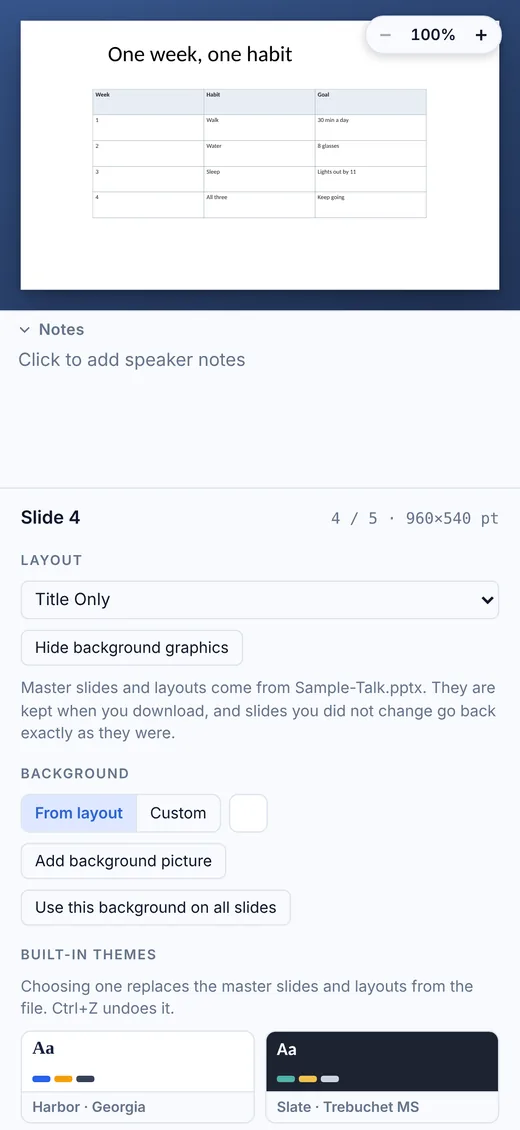
Master slides, layouts, themes, notes, charts, tables and SmartArt are kept, and slides you didn’t change are saved exactly as they were.
Private and offline
No account and no sign-in. Presentations are kept on your device and nothing is uploaded.
Tiny and fast
Under 3 MB to download, and it opens in a moment.
Screenshots
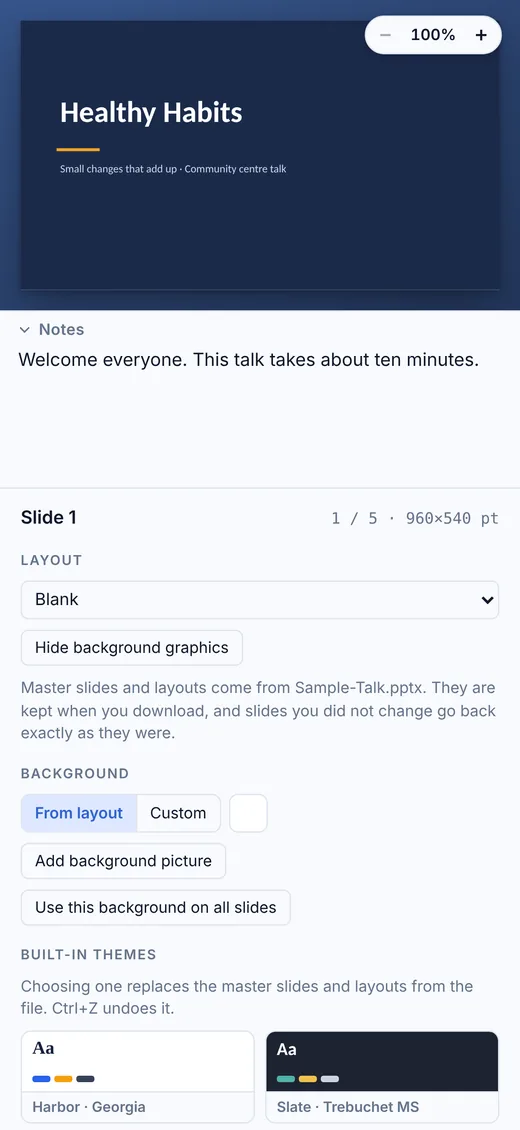
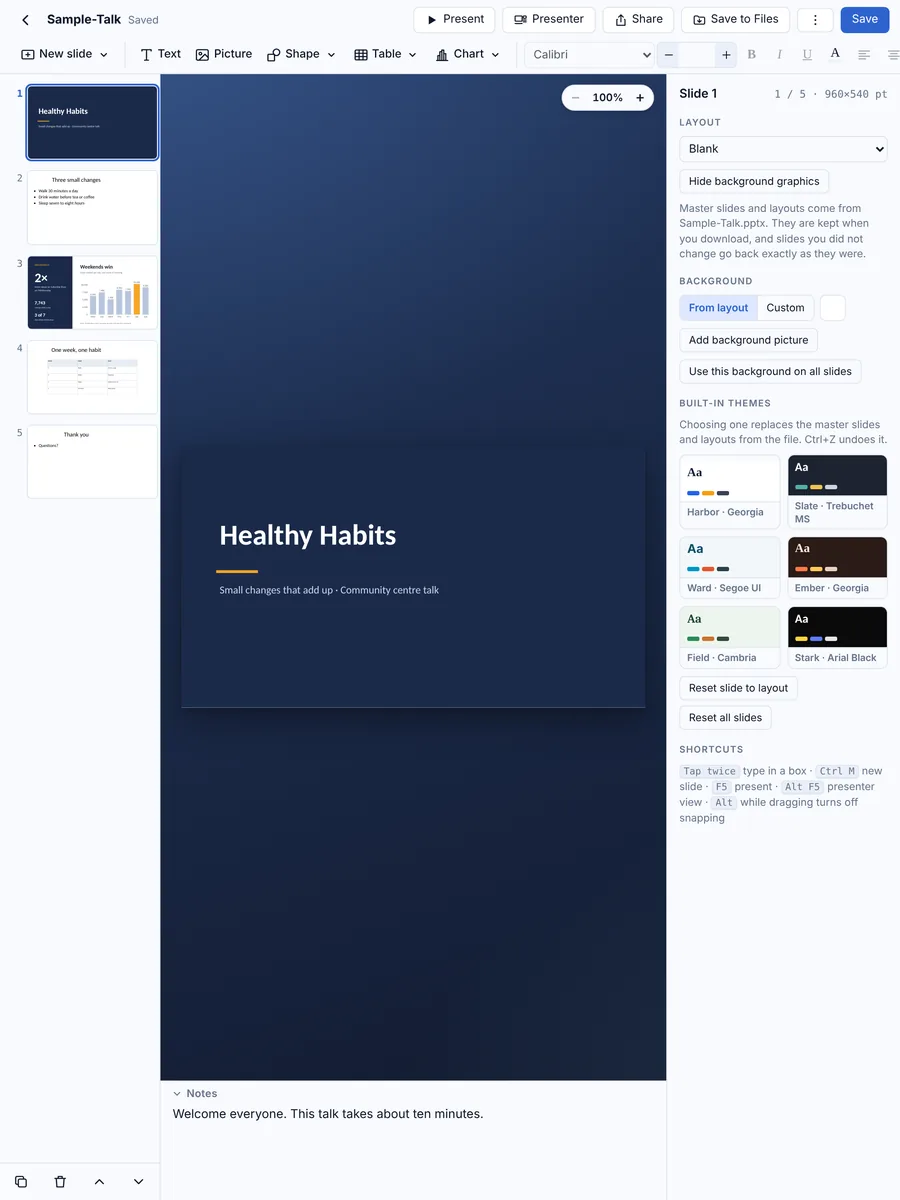
The same app and the same files on your iPhone and iPad.
How RR Slides Pro compares
Microsoft PowerPoint, Apple Keynote and Google Slides are all good apps. Here is where RR Slides Pro is different.
| Feature | RR Slides Pro | Microsoft PowerPoint | Apple Keynote | Google Slides |
|---|---|---|---|---|
| Opens and saves PowerPoint (.pptx) files directly | Edits the .pptx itself | Yes | Converts to Keynote; exports a PowerPoint copy | Converts, or edits in Office mode |
| Works without an account or sign-in | No account at all | Microsoft account needed to edit | Yes | Google account needed |
| Works fully offline | Always | After signing in | Yes | Only with offline mode set up |
| Files stay on your device | Nothing is uploaded | Usually saved to OneDrive | Usually saved to iCloud Drive | Stored in Google Drive |
| Full editing on large iPads without a subscription | One-time purchase | Microsoft 365 needed on iPads over 10.1″ | Free | Free |
| Download size on iPhone | Under 3 MB | 475 MB | 694 MB | 431 MB |
| Price | ₹499, once | Free on small phones; Microsoft 365 for full use | Free | Free |
Based on publicly available information as of October 2026 (download sizes from the App Store listings); features and prices of other apps can change. Microsoft PowerPoint, Apple Keynote and Google Slides are trademarks of their respective owners. RR Slides Pro is not affiliated with Microsoft, Apple or Google.
Pricing
RR Slides Pro for iPhone and iPad
₹499
One purchase on the App Store
- Pay once, no subscription
- iPhone and iPad
- Every feature included
- No account, no ads, no tracking
- Presentations stay on your device
Questions and answers
Can RR Slides Pro open and edit PowerPoint files?
Yes. It opens .pptx files from Files, Mail, WhatsApp and iCloud Drive and saves them back as .pptx files that open in Microsoft PowerPoint. Old .ppt files need to be saved as .pptx first.
Can I present on a projector or TV?
Yes. Connect by cable or AirPlay: the big screen shows only the slides, while your iPhone or iPad shows your notes, the next slide and a timer.
Will my slides look the same in PowerPoint?
Master slides, layouts, themes, notes, charts and tables are kept, and slides you didn’t change are saved exactly as they were. Very complex animations are not edited.
Can I export my slides as PDF?
Yes. In the presentations list, tap ⋮ › Export as PDF for one sharp page per slide.
Do I need an internet connection or an account?
No. RR Slides Pro works completely offline and has no sign-in. You only need a connection if you choose to share a file, for example by email.
Where are my presentations stored?
On your own iPhone or iPad, inside the app. Nothing is uploaded. They are included in your normal iCloud or computer backup, and you can save a copy to Files or share it whenever you like.
Which devices does it run on?
iPhone and iPad with iOS 15 or iPadOS 15 or later. One purchase covers both.
Is there a Mac version?
Yes. On the Mac, RR Slides Pro is part of RR Office, one app with the document, spreadsheet and presentation editors together, sold on the Mac App Store.
Your PowerPoint slides, on your iPhone and iPad
RR Slides Pro for iPhone and iPad.